About Course
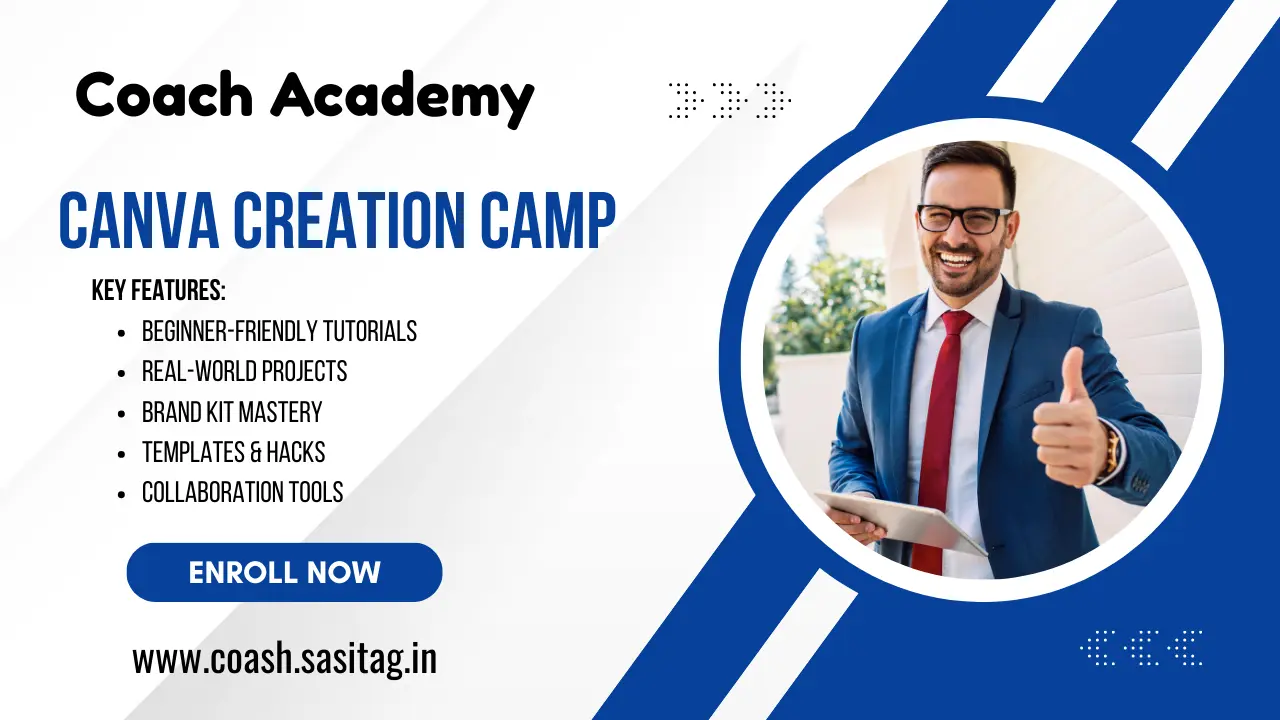
Canva Creation Camp
Create stunning graphics, social media posts, and brand designs using Canva – even if you’ve never designed before.
🧭 Course Overview
Canva Creation Camp is a beginner-friendly, hands-on course designed to teach you how to create professional-quality graphics, marketing content, and brand visuals – using Canva’s powerful drag-and-drop platform. No design experience or fancy tools needed – just your creativity and a device.
Whether you’re a content creator, small business owner, student, or aspiring designer, this course will help you level up your visual communication skills and build designs that wow.
🎯 What You’ll Learn
-
The fundamentals of good design (color, font, layout, spacing)
-
How to use Canva’s free and pro features
-
Creating social media graphics for Instagram, Facebook, YouTube, LinkedIn, etc.
-
Designing logos, business cards, presentations, posters, and more
-
How to build your personal or business brand kit
-
Creating lead magnets, eBooks, and printables
-
Tips to save time with templates and smart workflows
-
Collaboration and sharing features inside Canva
🗂️ Course Modules
📘 Module 1: Getting Started with Canva
-
What is Canva and why it’s perfect for beginners
-
Creating a free (or Pro) Canva account
-
Navigating the Canva dashboard
-
Understanding the Canva design interface
-
Exploring design types and templates
🎨 Module 2: Design Basics Made Easy
-
Understanding color theory and color pairings
-
Font pairing and text hierarchy
-
Working with white space and layout balance
-
Sizing for social media and digital platforms
🛠️ Module 3: Create Your First Designs
-
Social media post (Instagram square + story)
-
Facebook/LinkedIn cover banners
-
YouTube thumbnails and channel art
-
Simple animated post
🏷️ Module 4: Build Your Brand Kit
-
Choosing brand colors, fonts, and logo style
-
Creating your brand kit in Canva (Pro feature explained)
-
Designing branded templates for consistent content
-
Applying your brand to posts, flyers, and promos
📚 Module 5: Content That Converts
-
Designing lead magnets (checklists, workbooks, eBooks)
-
Eye-catching thumbnails, event banners, and ads
-
Designing email graphics and website visuals
-
Tips for readable, clickable, and shareable content
🧰 Module 6: Power Features & Time-Saving Tools
-
Canva Pro vs Free – what’s worth it
-
Using folders, teams, and brand controls
-
Working with templates and batch-creating content
-
Resizing and repurposing designs across platforms
🧪 Module 7: Projects & Portfolio
-
Create 5–7 real-world projects:
-
Instagram Post Set
-
Branded Business Card
-
YouTube Thumbnail
-
Product Promo Poster
-
Lead Magnet PDF
-
Simple Logo
-
Brand Style Guide
-
-
Export, present, and showcase your design work
🏆 Who This Course Is For
-
Entrepreneurs and freelancers wanting DIY brand visuals
-
Social media managers and virtual assistants
-
Bloggers, coaches, and content creators
-
Students and professionals needing eye-catching graphics
-
Anyone wanting to build a portfolio or offer design services
📦 What’s Included
-
50+ step-by-step video lessons
-
Downloadable templates, worksheets & cheat sheets
-
Access to a private student support group
-
Certificate of completion
-
Lifetime access & free future updates
💬 Student Feedback
“Canva Creation Camp took me from zero to designing confidently for my brand in just a few days!” – Priya G.
Course Content
Module 1: Getting Started with Canva
Module 2: Design Basics Made Easy
Module 3: Create Your First Designs
Module 4: Build Your Brand Kit
Module 5: Content That Converts
Module 6: Power Features & Time-Saving Tools
Module 7: Projects & Portfolio
Student Ratings & Reviews